 Guitar Master
 › The Jam and backing tracks
Write your song.
The band plays it.
In Guitar Master’s Jam, you lay down the chords of your song, section by section. The app turns them into a real accompaniment (drums, bass and piano, in the style you choose) and shows you what to play on top. The Jam is the heart of Guitar Master: whatever you write there, the whole app adapts to it.
The Jam
A backing track for any song
No need to search YouTube for “backing track in A minor, 92 BPM”: you write the chord chart of your song, verse, chorus, bridge, and it plays right away. You set the tempo, drag the sections to change their order, and speed it up when you’re ready.
- The chord chart prints to PDF: a clean sheet for your music stand or for a student
- Your songs go into a set list you can play on stage without a network
- The same account on computer and phone
The Play dial
Every tool around your song
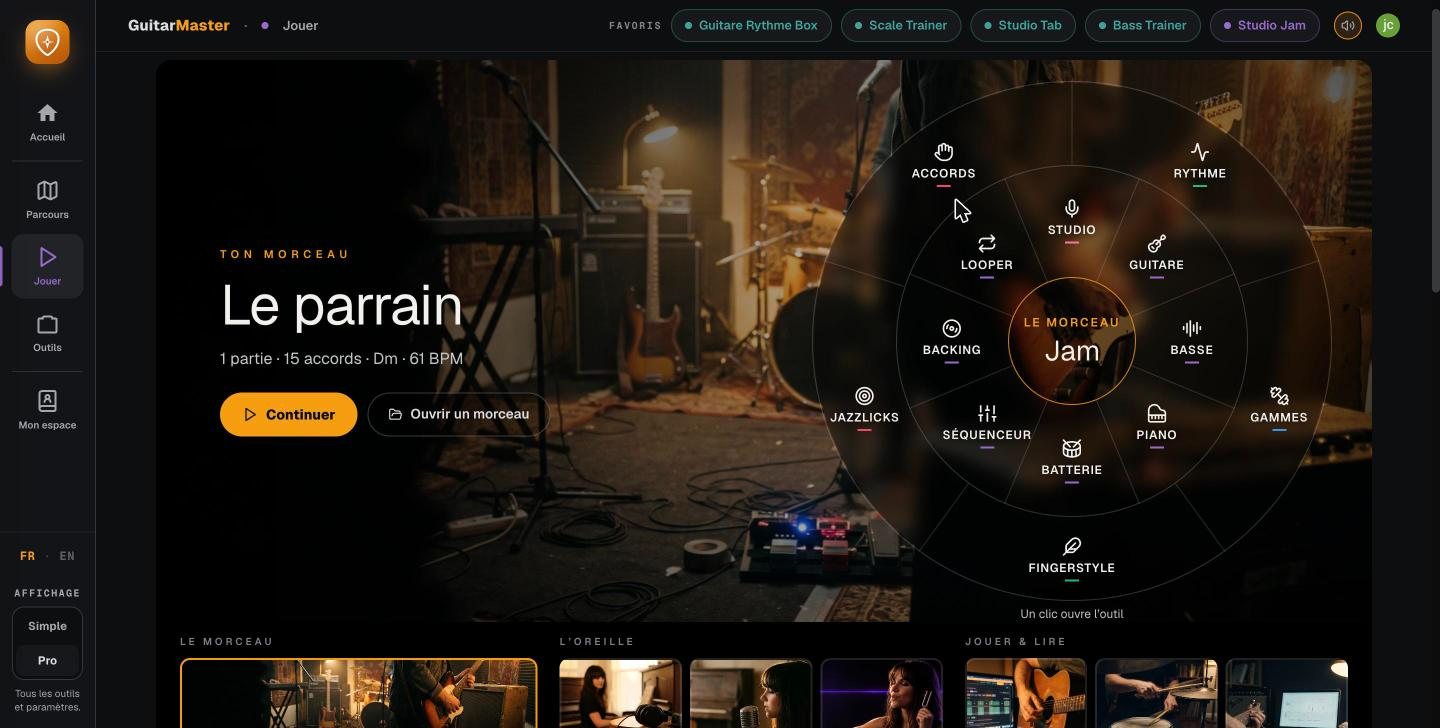
The song from the Jam sits in the middle, and everything revolves around it: chords, scales, bass, piano, drums, fingerstyle, jazz phrases, the studio, the looper, the sequencer, the backing tracks. One click opens the tool, already set to the current song.
Bass Trainer
A bass line written for the style
Sixteen styles and more than forty substyles: pop, rock, blues, jazz, funk, soul, reggae, gospel, bossa, country, disco, neo-soul, metal, ballad… The app writes a real bass line over your chord chart, with the ghost notes and the placement that define the style. Jazz walking, blues shuffle, funk groove: it’s not a loop, it’s a line that follows your chords.
Listen to it and play on top, or work on it yourself in tab if you play bass.

Piano Trainer
A pianist who changes the way he plays
Eighteen styles: pop, ballad, rock, country, classical, jazz, bossa nova, soul, R&B, gospel, blues, funk, reggae, disco, latin… The left hand and the right hand are written separately, with the melody, the countermelody and the pedal, on two staves like a real score. It accompanies the Jam, and lets you hear the harmony differently than on the guitar.

Drum Trainer
Drums that play the style, not a frozen loop
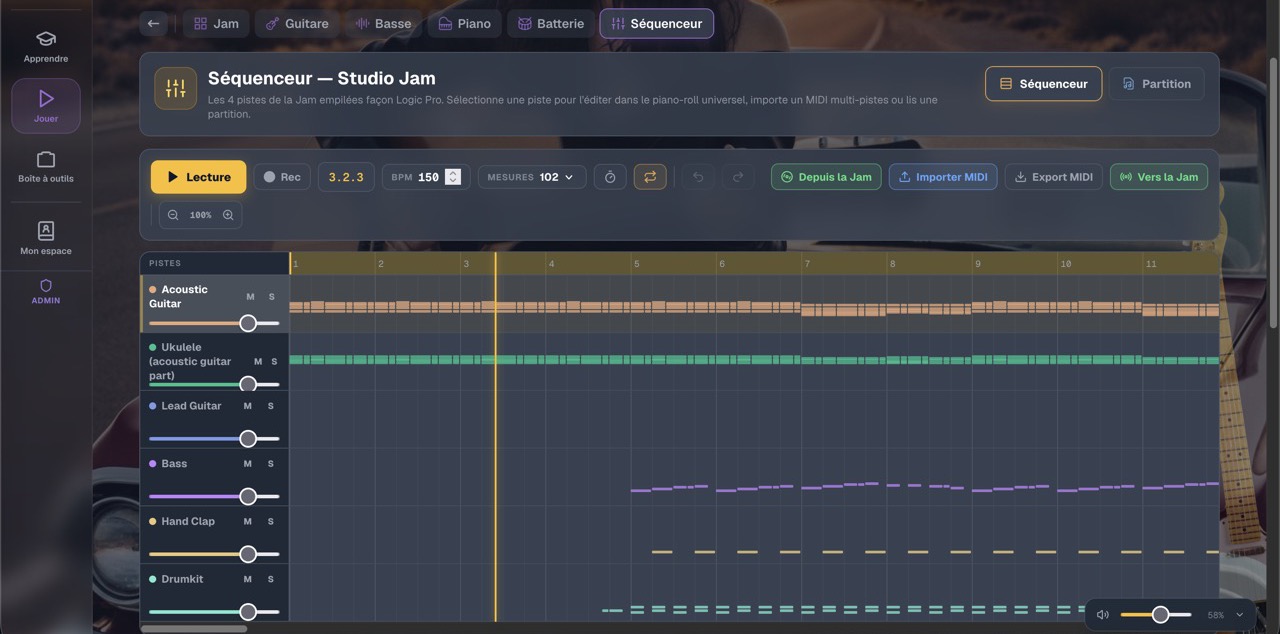
The Jam’s drummer plays the style of the song, with its variations and fills, instead of looping the same two bars. And if you’d rather have your own groove, you build it step by step in the sequencer: tempo, swing and dynamics down to the last detail.
Scale Trainer
And the app shows you what to play over it
Once the chord chart is written, the question becomes: what do I play over this? The app shows you the scale that fits each chord, the chord’s arpeggio, or one scale for the whole song from start to finish, on the fretboard and in tab, at a tempo you raise little by little. See the exercises.

Analysis
A recording goes in, a chord chart comes out
Don’t feel like writing the chart? Drop in a recording: the app works out its tempo, key, chords and sections, then writes the chord chart. It even searches thirteen thousand drum grooves for the one closest to what it just heard. You fix whatever you like, and you play over it.
Band Jam
More than two hundred standards, ready to play
No chord chart at hand? Band Jam plays the backing for more than two hundred jazz standards and blues in every key, in the style of your choice, with a band you set up musician by musician. See Band Jam.
These features are part of Guitar Master’s full access (€14.90 a month, no commitment, opening soon; included for students taking lessons). The core tools stay free for everyone.
Frequently asked questions
What is a backing track?
An accompaniment without the part you play: the drums, bass and chords keep going, and you play on top, as with a band. In Guitar Master, it’s generated from the chord chart you write, so it works for any song.
Do you need to read music?
No. The chart is written with chord names (Am, F, C, G…), like a song chord sheet. The exercises are shown on the fretboard and in tab.
Can you choose the style of the backing?
Yes. The bass plays in sixteen styles and the piano in eighteen, from pop to jazz by way of funk, reggae and bossa nova. The drums follow the style of the song.
Can you slow the song down to practice?
Yes, you can set the tempo freely: start slowly and speed up once the passage is clean.