 Guitar Master
 › For bass players
For bass players: your song, your line, your band
Guitar Master isn’t just a guitar app. Bass players get their own curriculum, their own school, a line generator in sixteen styles, and a piano and drums that play along with them, on the song they’ve chosen.
Your path
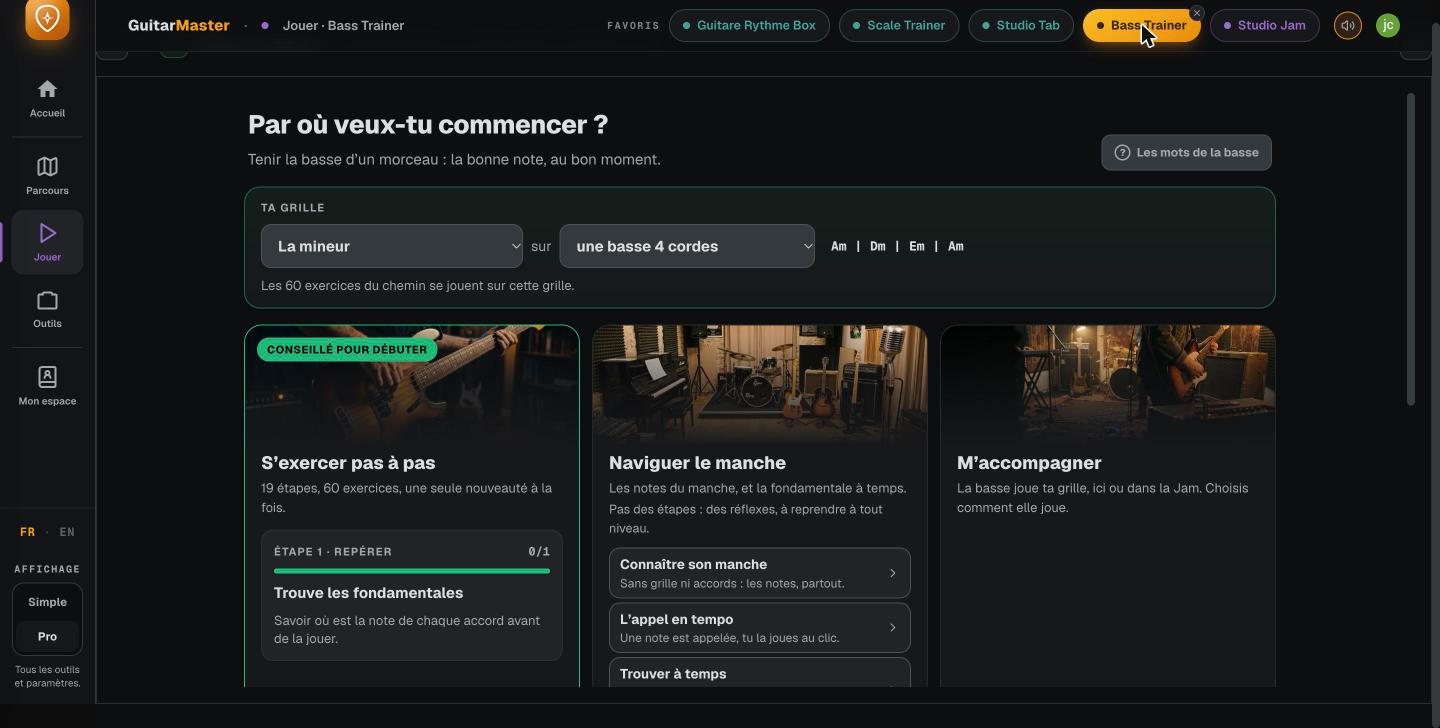
A bass curriculum, starting from a chord chart
You start from a chord chart and the root, then move forward note by note: the octave, the fifth, the thirds, the other intervals, the major and minor scales, scale degrees and the chords built on them. Then come the fretboard, approach notes, walking bass, groove, ear training, reading the staff, and slurs. Every step is played over a real chord chart, with the band behind you, on computer and phone alike.
- A bass school: lessons, theory and patterns
- The curriculum tied to the student’s progress and to today’s session
- Also open to guitarists who want to understand the bass
Bass Trainer
A bass line written for your song
Sixteen styles and more than forty substyles: pop, rock, blues, jazz, funk, soul, reggae, gospel, bossa, country, disco, neo-soul, metal… The app writes a line over your chord chart, with the ghost notes and the placement that define the style, and shows it on the bass fretboard, in tab and on the staff. Jazz walking, blues boogie and shuffle, funk groove and slap: enough to hear, then play, what a bass player does in each style. The “Vary it” button suggests another line over the same chart.

Editor
Writing your own lines and patterns
Write your pattern over the chord chart of your choice, keep the bars you like, lay it over the whole song, and send it to the Jam: your line becomes the song’s bass line. Reference grooves are included to get you started, and your patterns can be saved and shared.
Accompany me
A piano and drums that play along with you
Bass players don’t practice alone: while you play your line, the song’s piano and drums play along with you, just as the Jam plays them. It’s the best way to work on placement and groove, and to hear whether your line holds up with the band.
Studio
Plugging in your bass
The studio runs in your browser: with a small audio interface, plug your bass into a captured bass amp, add your pedals and record yourself over the song. See the studio.
These features are part of Guitar Master’s full access (€14.90 a month, no commitment, opening soon; included for students taking lessons). The core tools stay free for everyone.
Frequently asked questions
Is Guitar Master suitable for bass players?
Yes. The app has a complete bass curriculum, a bass school, a line generator in sixteen styles, a pattern editor, a bass fretboard and a captured bass amp. Bass players work on their own songs, with a band that plays along with them.
Where do you start when learning bass?
With the root of each chord, played in time over a chord chart, with a drummer. Then the octave and the fifth, then the thirds: that’s the progression of Guitar Master’s bass curriculum.
How do you practice walking bass?
Start with the roots on the strong beats, then connect the chords with approach notes, chromatic or from the scale. The Bass Trainer writes walking lines over your chord chart that you can listen to, slow down and read in tab before playing them.